01
Choose what matters to you.
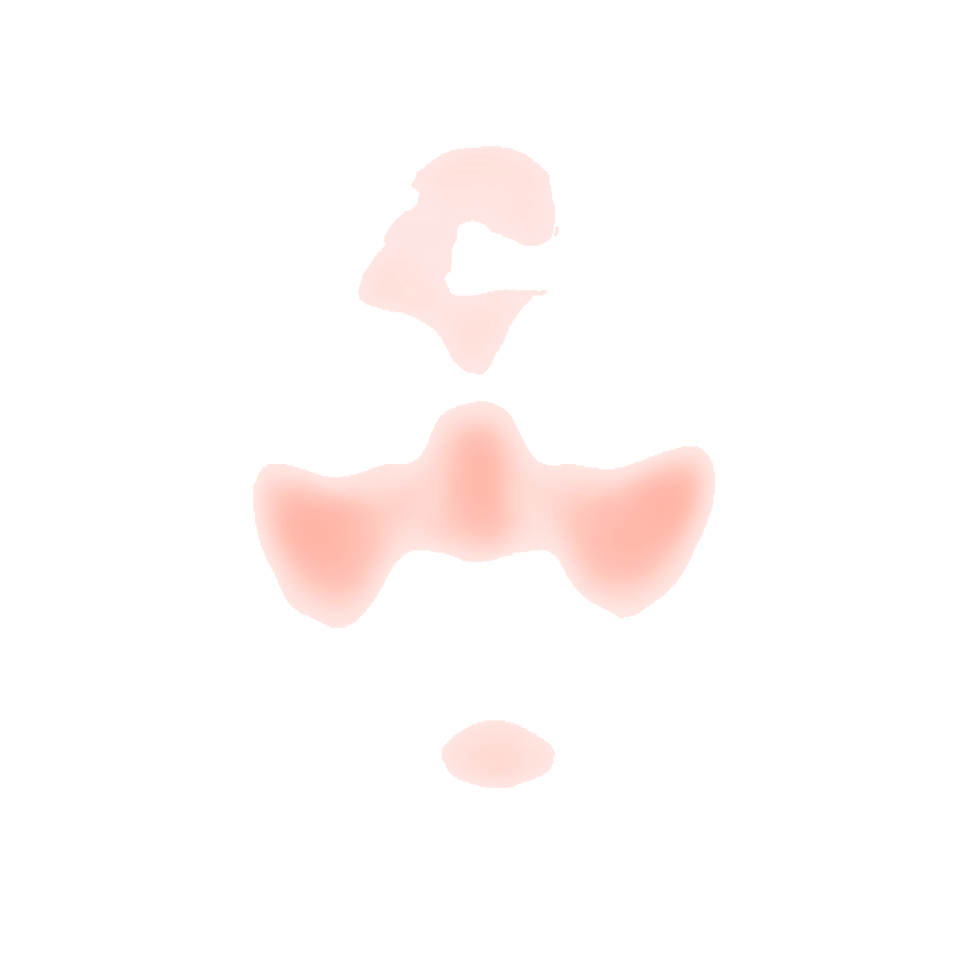
Pick the area you want to soften first. CoverKind brings it into focus without judging the rest of your face.
A makeup fitting room with receipts
See four coverage looks side by side, reveal exactly what changed, and stop at the lightest one that still feels like you.
The opposite of a makeover
Pick the area you want to soften first. CoverKind brings it into focus without judging the rest of your face.
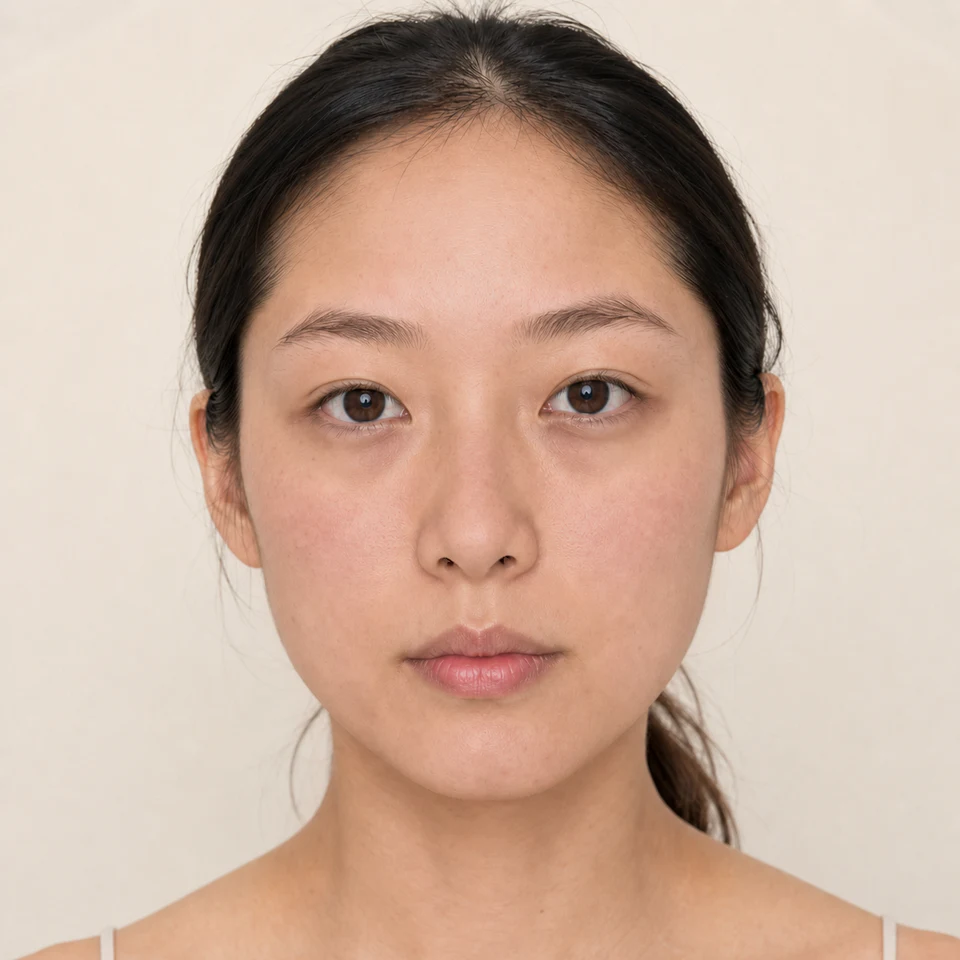
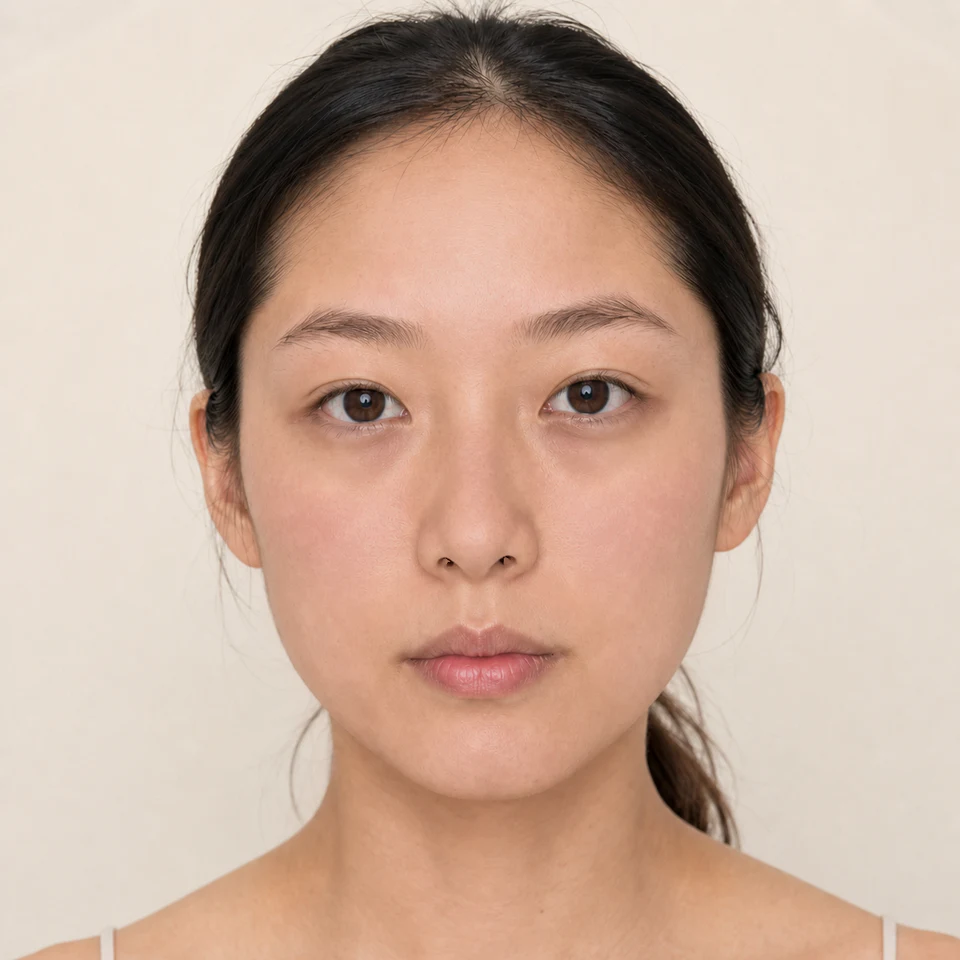
Veil, Balance, and Full use the same shade and finish. Only coverage changes, so you can spot your sweet spot instantly.
Slide between looks, reveal what changed, and keep natural texture visible. The lightest look gets a fair chance to win.
Mina’s coverage story
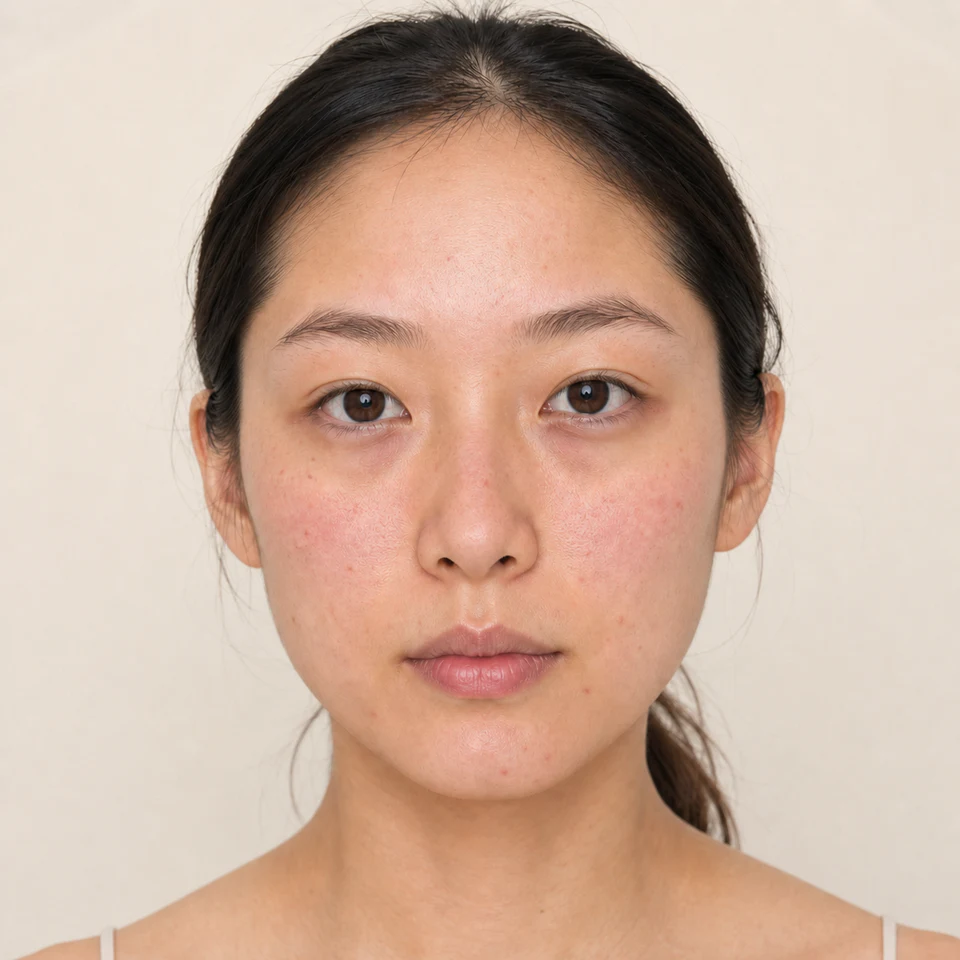
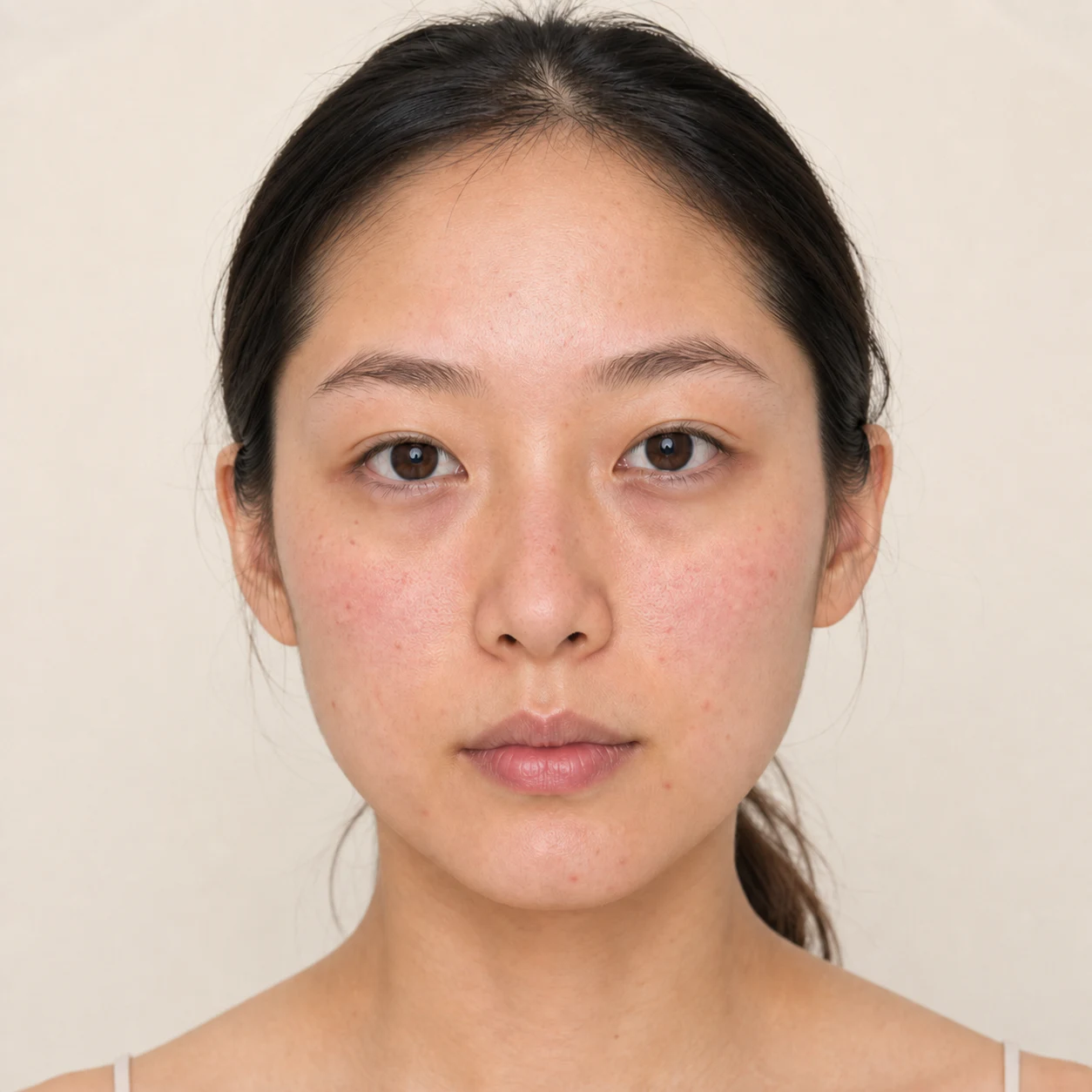
Mina begins bare-faced with visible redness and natural texture. Watch coverage build one step at a time, then decide where enough is enough.
Choose Mina’s focus
What would she like to soften first?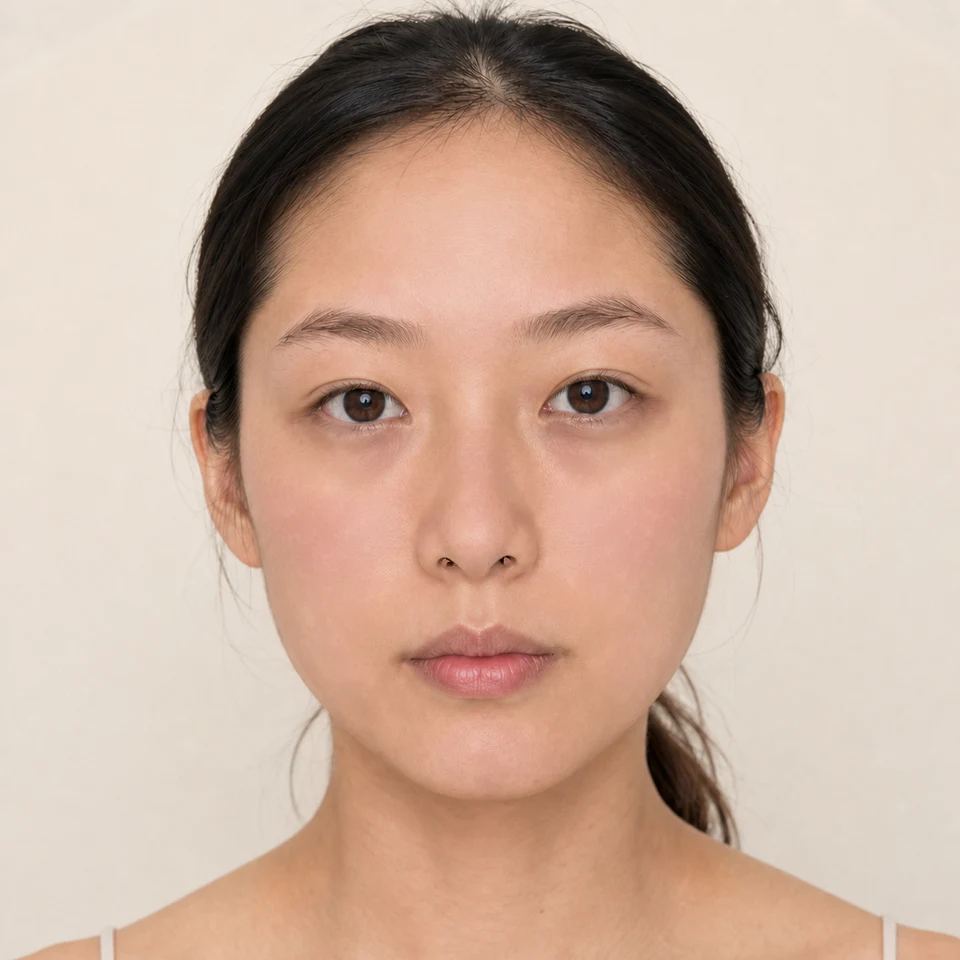
Find the lightest match
Turn coverage up one step at a time.Look closer
Slide between Mina’s bare face and Full. Turn her focus or the visible change on and off to compare with your own eyes.
Before & after · Full
BeforeFullVeil is the first look with a visible difference that still keeps Mina looking like Mina. More coverage is available, but more is not automatically better.
Try it on now
Add one front-facing portrait. Choose what you would like to soften, compare four coverage looks, and find the lightest one that still feels like you.
Start with an honest portrait. CoverKind reveals what you want to soften, then helps you stop at the lightest look that makes a difference.
Drop your portrait here
or choose an imageJPEG · PNG · WEBP / MAX 10 MBThe CoverKind difference
Choose what you want to soften. Try four levels in the same shade and finish. Then drag between them to see what changed before CoverKind suggests the lightest convincing look.